Move client work forward
Connect each message, request, file, and deadline to a clear next action.
Meet Client Hub: accounting practice management that connects firm workflow, client requests, documents, messages, and month-end close.
Compare Client Hub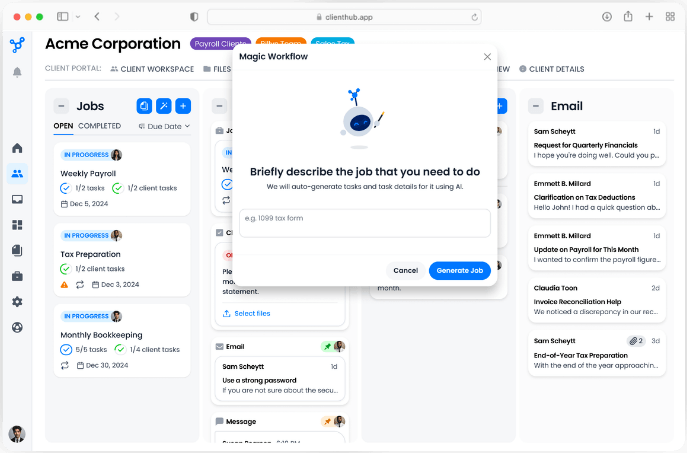
Compare how each platform handles client response, workflow visibility, integrations, onboarding, and the cost of adding clients.
| Evaluation area | What Client Hub provides | Question for your HubSync review |
|---|---|---|
| Client experience | Web and mobile experiences for easy access and quick responses | How many steps does a client take to answer a request? |
| Workflow | Jobs with tasks, owners, deadlines, and even client requests together | Can the team see client blockers alongside internal work? |
| Integrations | QuickBooks Online and Xero connections | Which accounting workflows are native? |
| Pricing | Per-user pricing with unlimited clients | How does total cost change as the client base grows? |
| Onboarding | Free onboarding | What is included in implementation and support? |
Connect each message, request, file, and deadline to a clear next action.
Let clients respond through a branded workspace on web or mobile.
Add unlimited clients while pricing follows firm users.
Bring the processes that matter most. We will show how Client Hub handles recurring work, client requests, documents, and communication.
Schedule a Demo“Everything is in one place! Client Hub has streamlined our client communications and workflow management.”
Arielle A.Compare the client experience, workflow, integrations, and pricing with your firm’s requirements.
Schedule a Demo