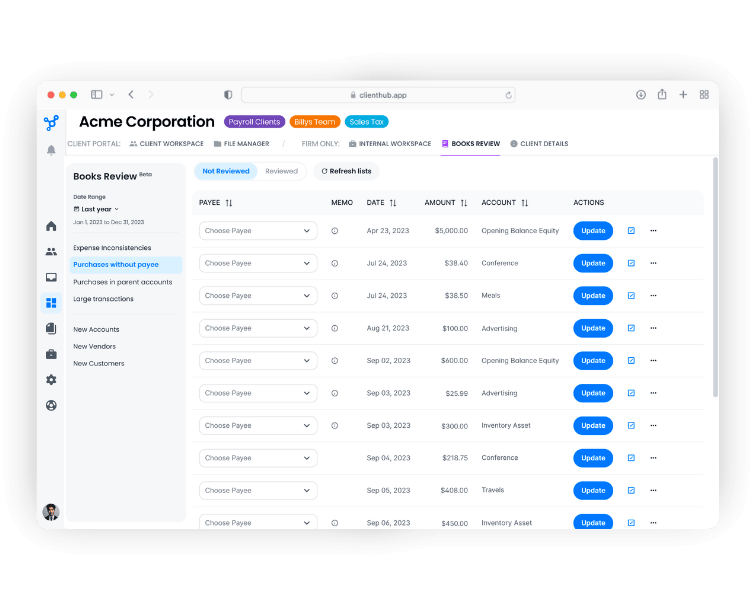






Client Hub features a seamless two-way sync for Expense and Check transactions, as well as 1099 vendor data. When an uncategorized transaction posts to a monitored account in QuickBooks, it triggers a task in Client Hub. After your client responds with missing details by selecting an expense account, adding a description, or attaching a receipt, you can review and click "Close" to automatically push all transaction updates and attachments directly back into QuickBooks.
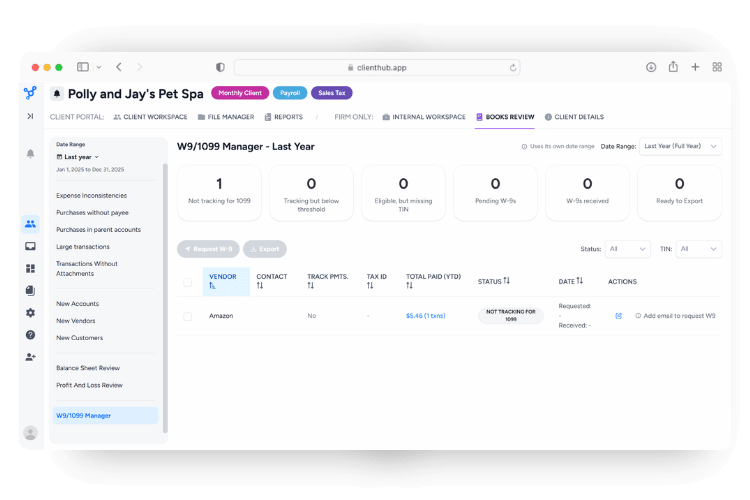
Yes. The 1099 Manager pulls vendor and payment data from QuickBooks so you can send W-9 requests via a secure upload link. Once a vendor uploads their W-9, the updated Tax IDs and details sync automatically back to QuickBooks.
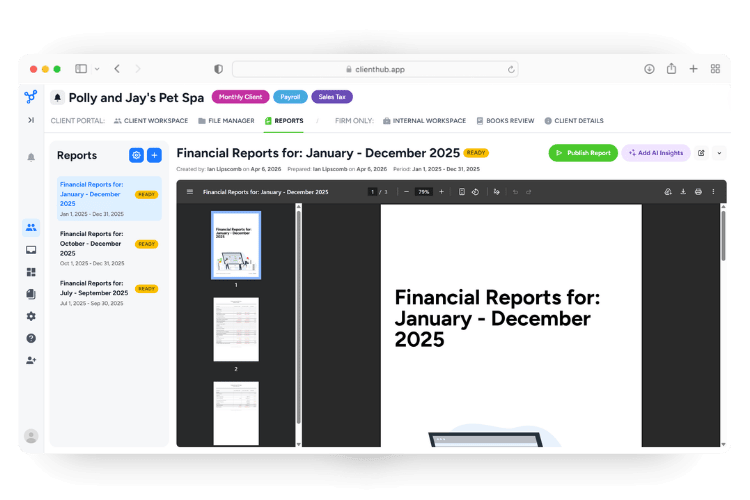
Client Hub’s AI Analysis tool compares your balance sheets and profit and loss statements to the previous period. Unexpected balance changes are highlighted in orange and newly active accounts are flagged in green, so it’s easy to quickly surface data for manual review.
Client Hub is hosted on AWS and Google Cloud Platform and employs state-of-the-art data security best practices. Your client’s QuickBooks Online financial data remains entirely secure and private and is never shared with external language models for training purposes.
Yes. The Books Review tool includes a "Transactions Without Attachments" report that lists categorized expenses missing supporting documents. With one click, you can create a task for your client to upload the missing receipt, which will then sync back to the transaction in QuickBooks.
Books Review's 12-month lookback logic keeps your books accurate by automatically flagging common data issues including:
Deposit transactions use a one-way sync. When a deposit posts to a monitored account, a task is automatically created. Your client provides a description and optional attachments. After you review and close the task, you can click “Go to QuickBooks” to navigate directly to the original transaction for any final updates.

.svg)


.svg)



.png)