

.png)
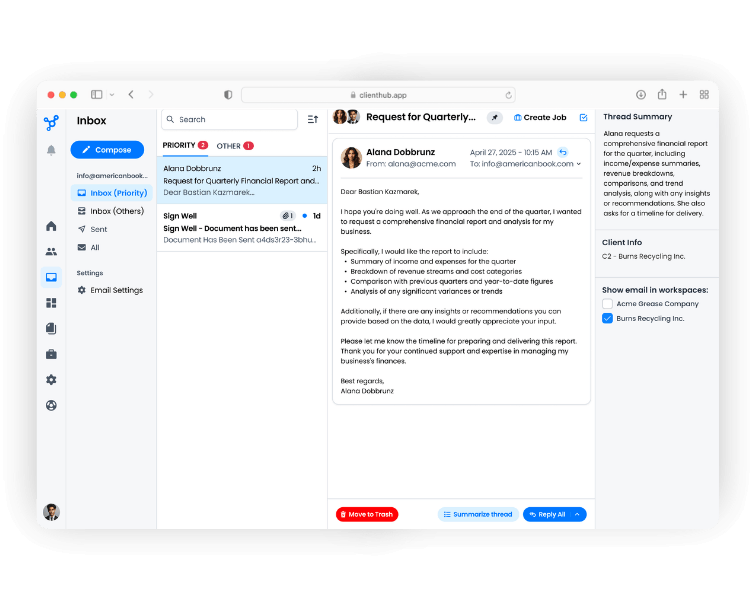
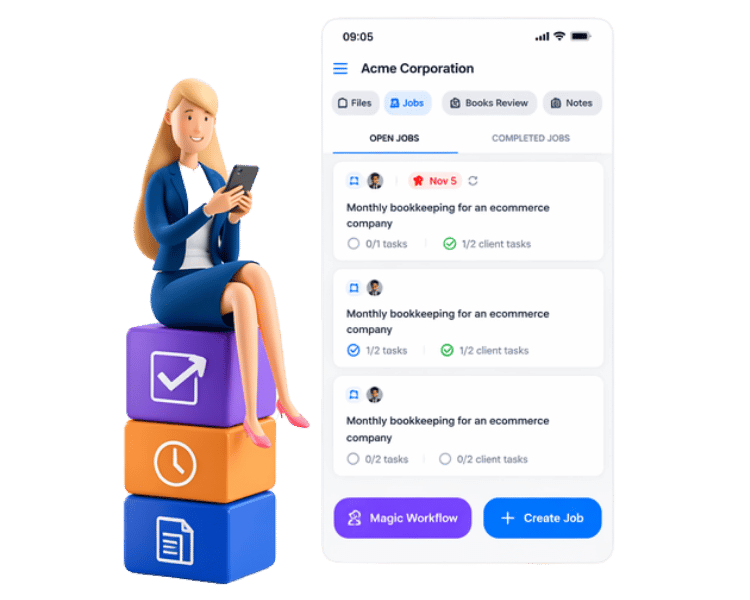


You can use the Autopilot feature embedded directly into your workflow templates to schedule document requests. By selecting a set number of days before the work begins, the system will automatically send the request to your client on your behalf. If the client fails to provide the information by the due date, Client Hub automatically sends them daily automated reminders until the task is completed.
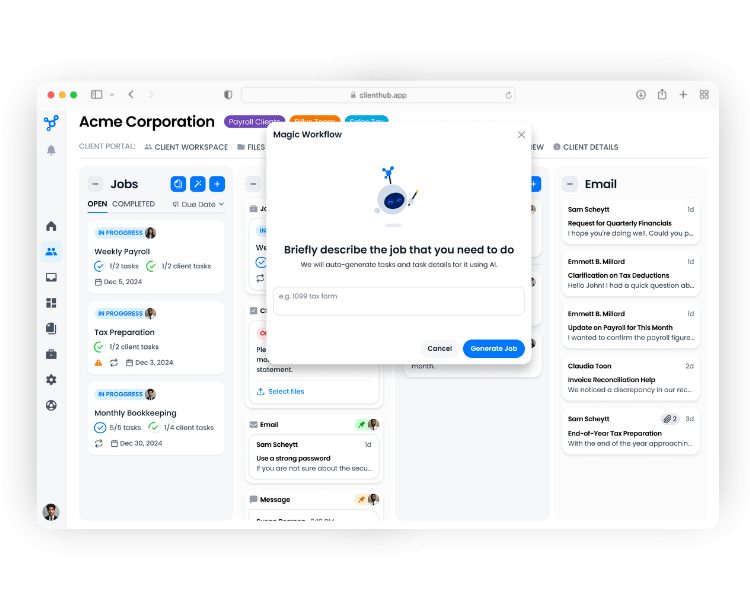
No, you don’t have to start from scratch! Client Hub provides a library of pre-built templates for common bookkeeping, accounting, and payroll tasks. Additionally, you can use the "Magic Workflow" feature, which utilizes AI to instantly generate a complete workflow template with tasks and details based on a simple prompt (e.g., typing "1099 tax form" or "QuickBooks Online Cleanup"). You can then customize the AI-generated template to fit your firm's exact process.
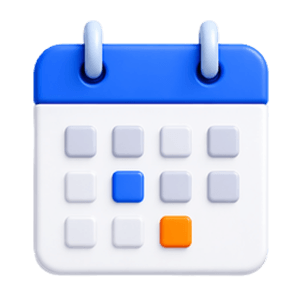
Unlike many competitors that charge a fee for every client, Client Hub operates on a flat-fee, per-firm-user pricing model. This means your firm can add unlimited clients without your software subscription costs increasing, making it highly cost-effective for growing practices.
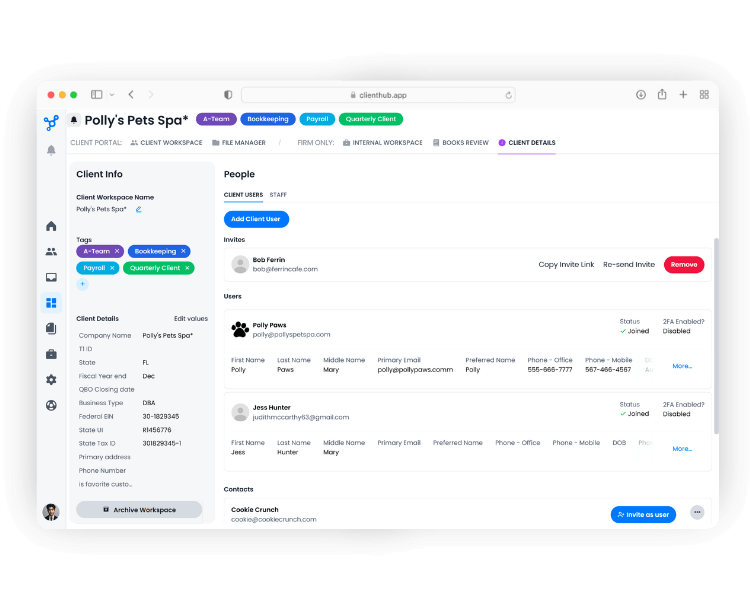
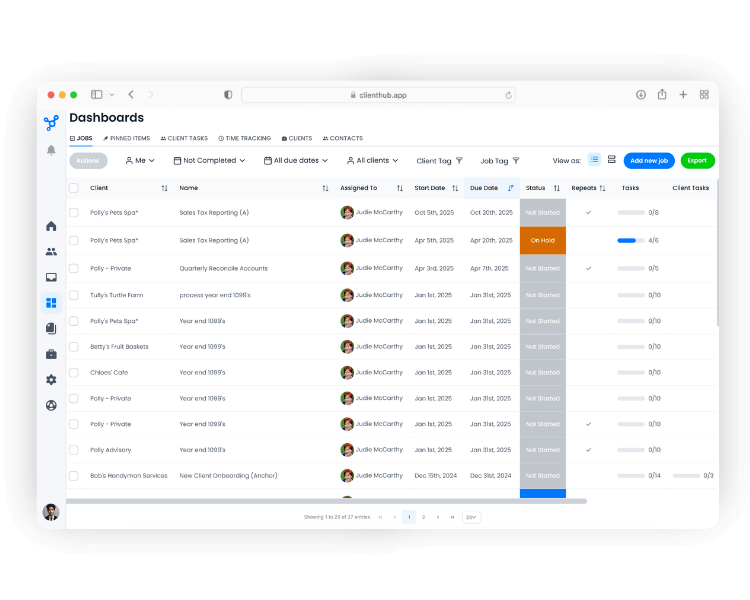
Yes. The Jobs Dashboard provides firm owners and managers with a centralized, calendar, or list-based view of the entire firm’s pipeline. You can use custom filters for specific team members and due dates to track progress in real time. For collaborative jobs, you can use task group boxes to enable automatic team hand-offs. When a preparer checks off their final task, the reviewer is instantly notified to pick up where they left off.
Implementation is very fast—some firms are fully up and running in as little as a few days. Client Hub does not charge any implementation or onboarding fees. To help your team get up to speed quickly, you have access to a highly responsive, US-based support team, as well as free, live "Client Hub Academy" training sessions hosted every week.

.svg)


.svg)



.png)