







%20(5).png)


Pricing is per firm user (team member), not per client, so you can add unlimited clients without your subscription cost going up.
For month-end close tools, others like Double orFinancial Cents charge for each client, dramatically increasing your costs.
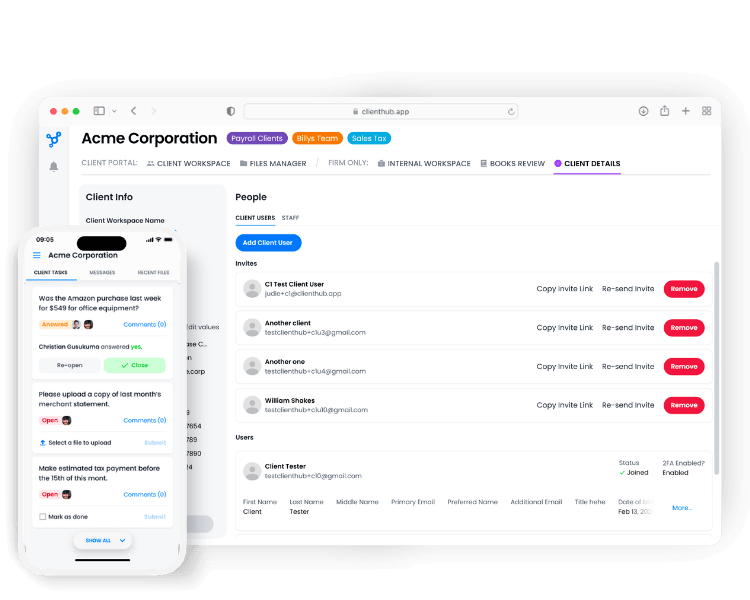
No. Clients create a login once and stay active as long as they've engaged in the past 30 days. Clients with multiple companies access all their workspaces from one single login, no juggling multiple accounts.
Client Hub features a very deep integration with QuickBooks Online:
1. Uncategorized Expense resolution: Mark a transaction as uncategorized and it automatically flows into Client Hub for the client to help resolve. Once resolved, QBO updates automatically, no manual entry.
2. Month-end close tools: Use our powerful tools and AI-based capabilities to quickly find and fix issues
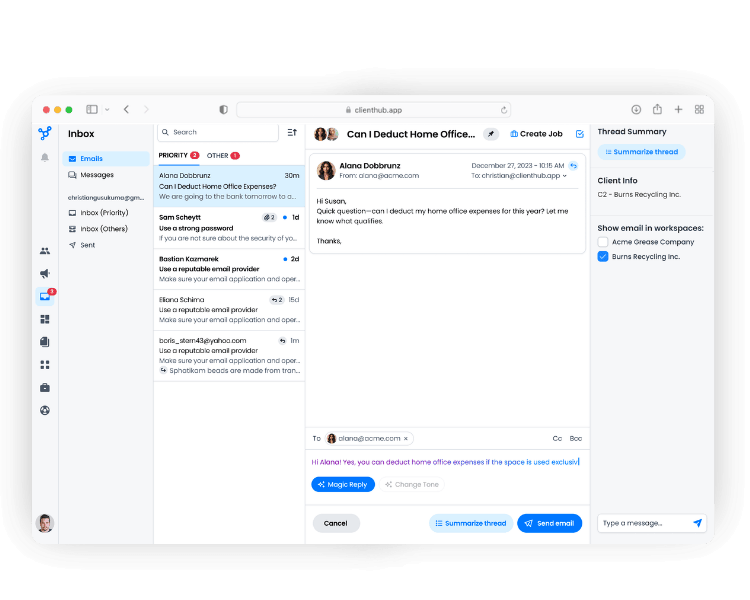
3. Client-facing reports: Use our powerful AI-based capabilties to deliver not just the numbers, but generate key insights from them
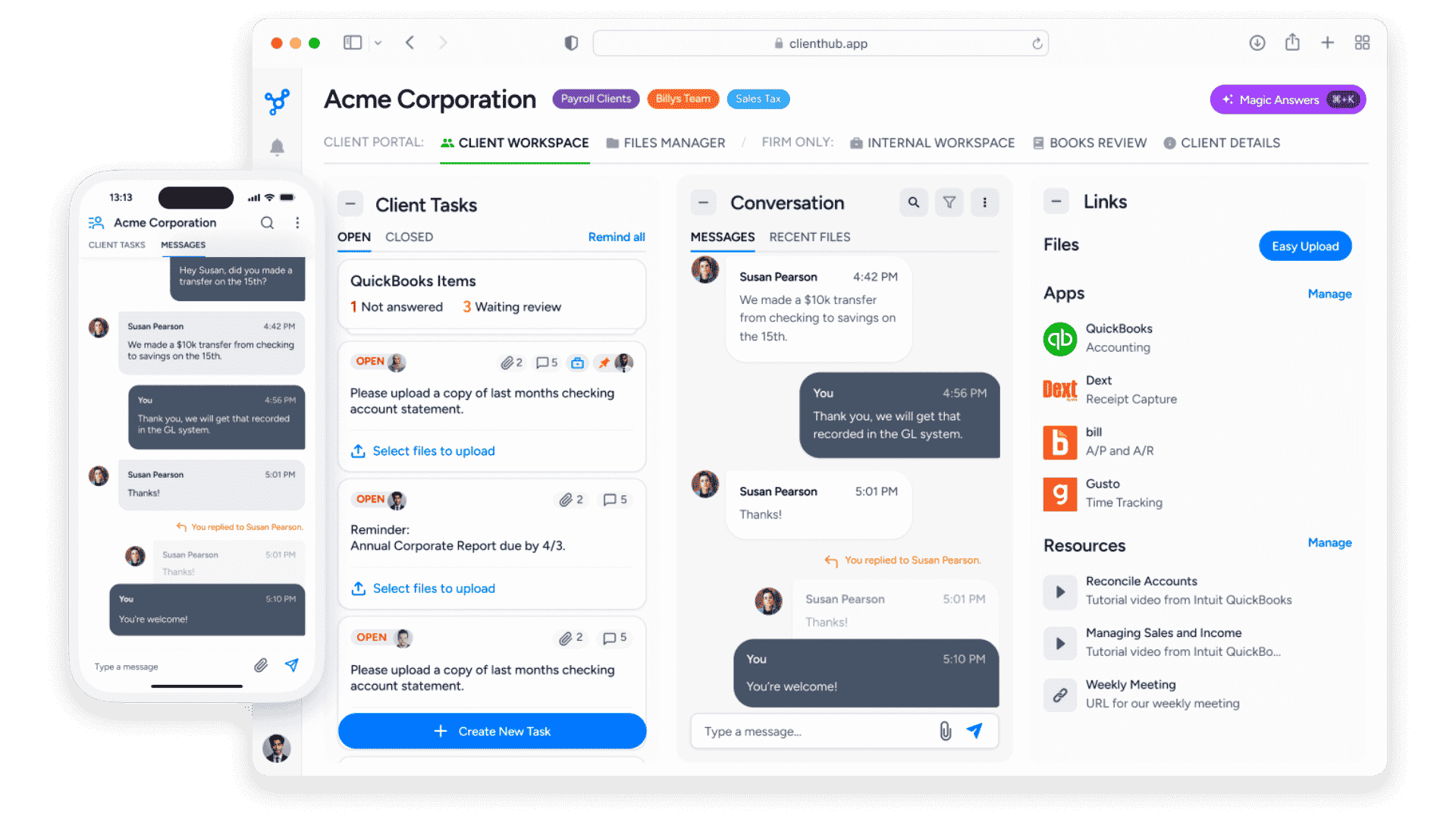
Yes. Firms routinely reclaim several hours per week by automating client requests and follow-ups. One common example: syncing open QBO/Xero transactions to the client portal, collecting responses automatically, and syncing updates back to QBO/Xero — hands-free.
Use Client Hub's Autopilot feature to automatically request documents a set number of days before work begins. If clients don't respond, the system sends automated reminders on your behalf.
Automatically gathering client docs via Client Hub has been shown to increase information gathering efficiency by up to 40%.

.svg)


.svg)

.png)
.png)
.png)
.png)
.png)


.png)
.png)








.png)

.png)














.png)

